
Key Takeaways
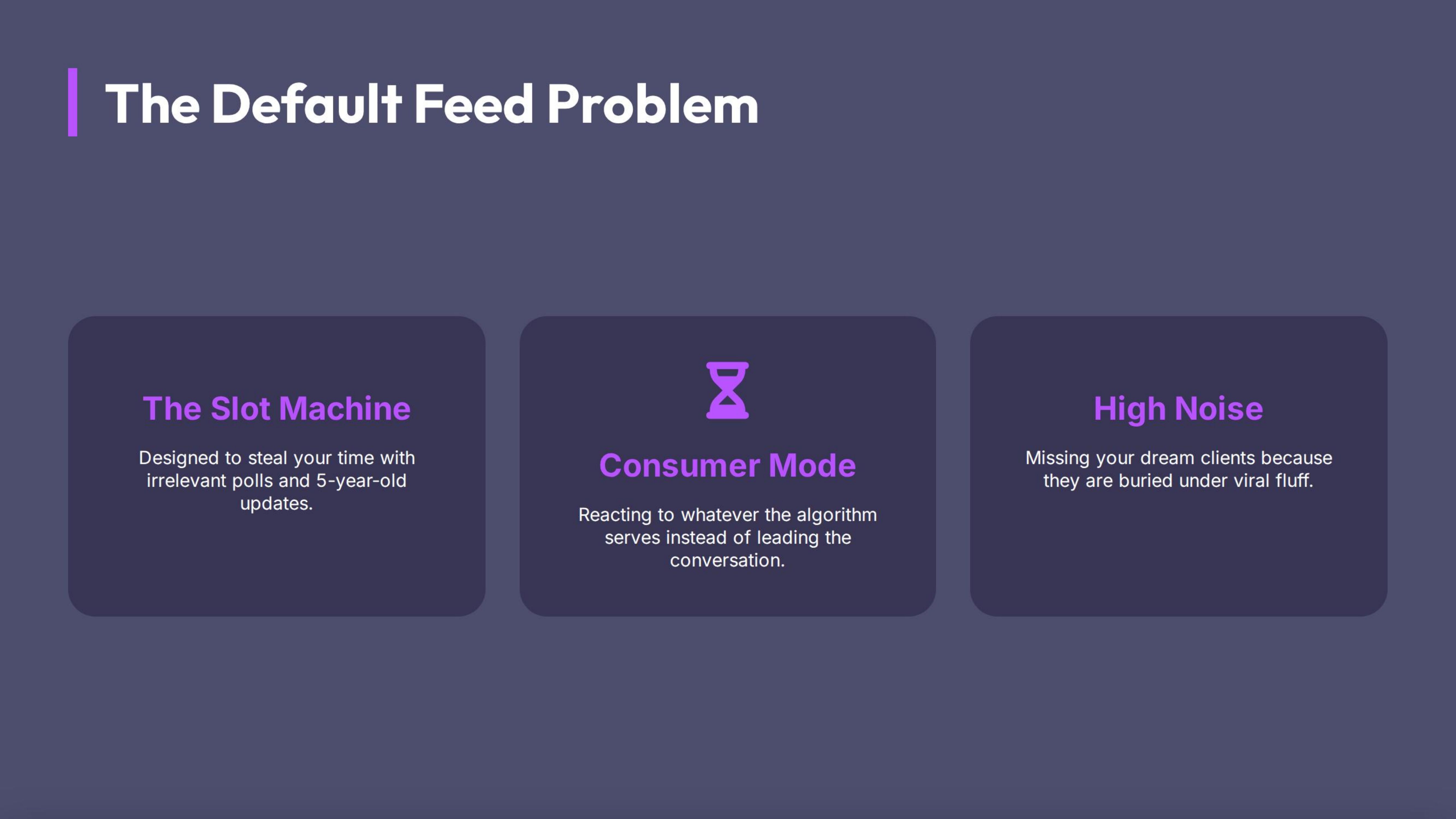
The Problem with the Default Feed
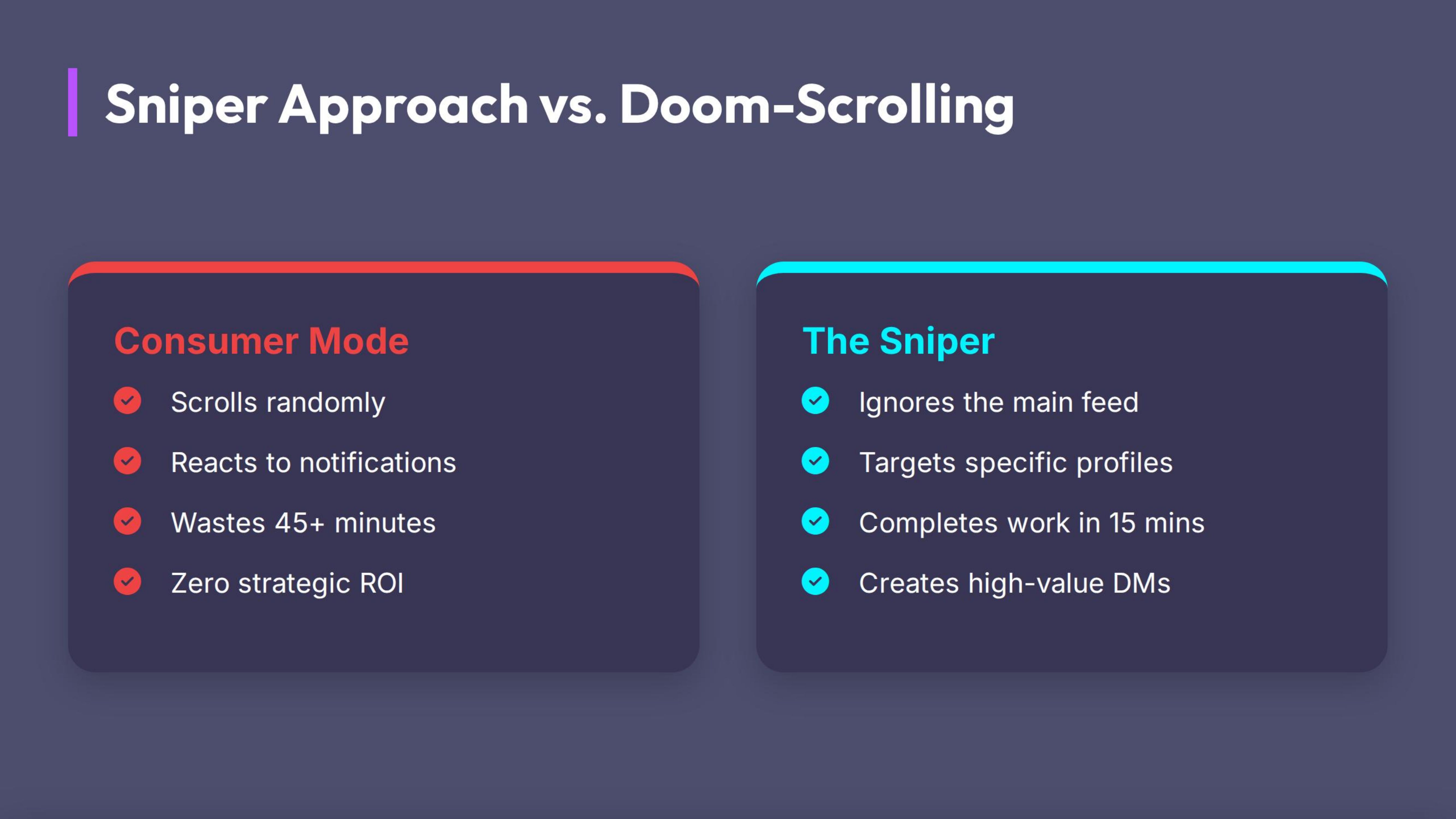
When you log in and just "scroll," you are in Consumer Mode.
- You react to whatever the algorithm serves you.
- You miss the post from your Dream Client because the algorithm buried it under a viral cat video.
- You waste 45 minutes and achieve nothing.
The Fix: Creator Mode (The Sniper Approach)
We don't scroll. We hunt. We log in, engage with specific targets, and log out.
Who Belongs in Your VIP Lane?
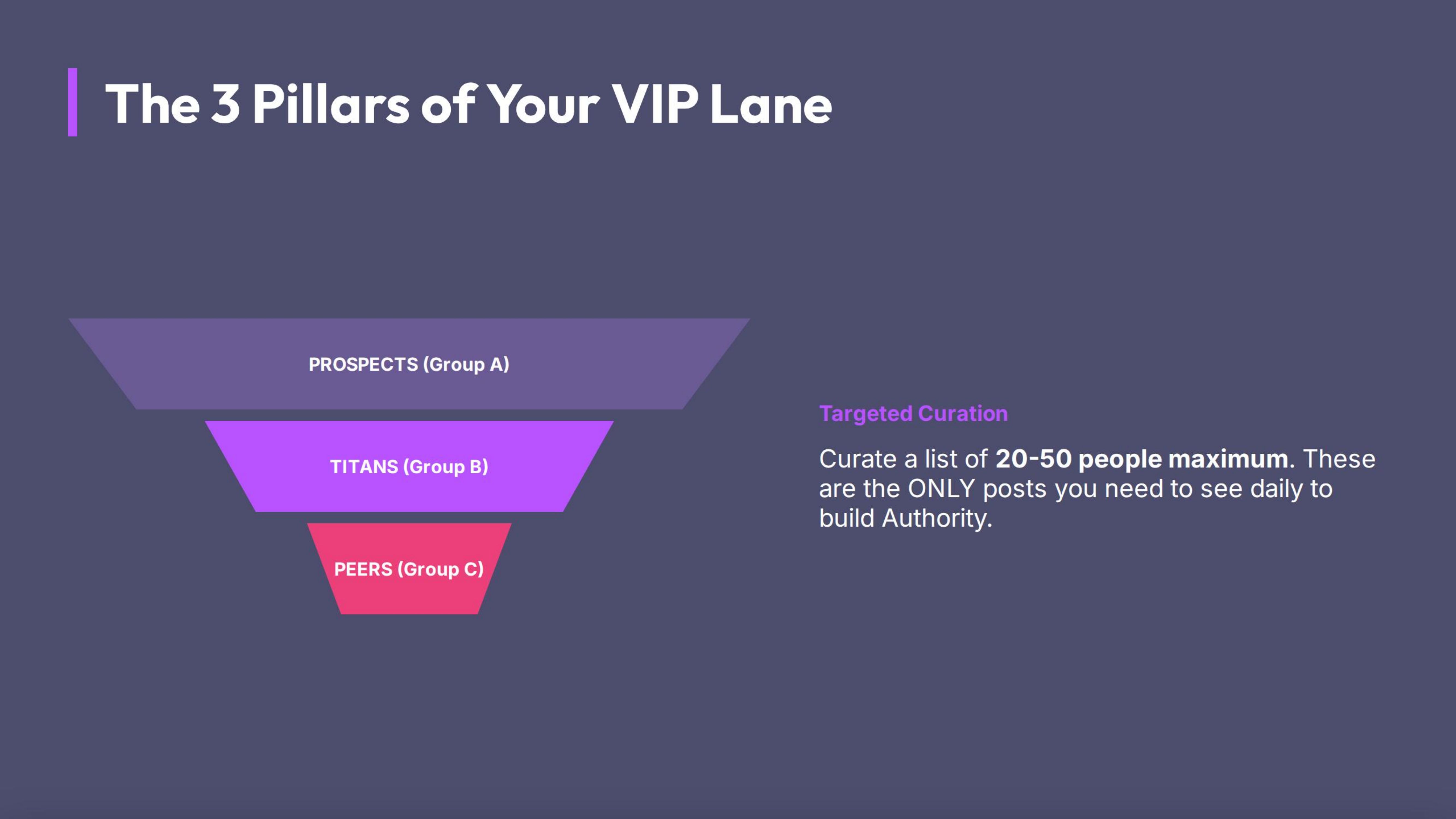
You should curate a list of 20-50 people maximum. These are the only posts you need to see daily.
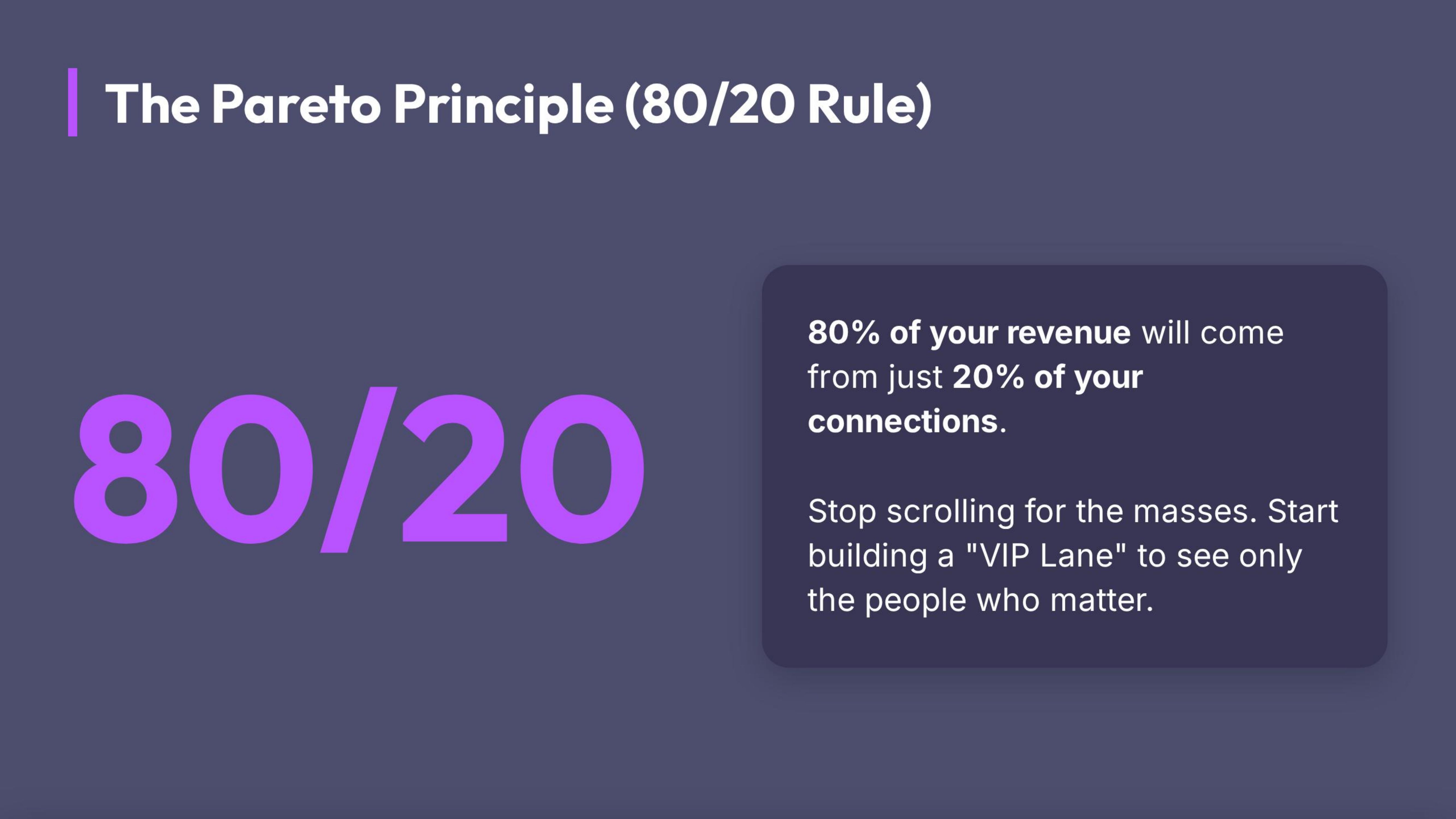
The Pareto Principle (80/20 Rule): 80% of your revenue will come from 20% of your connections. Focus on quality over quantity.
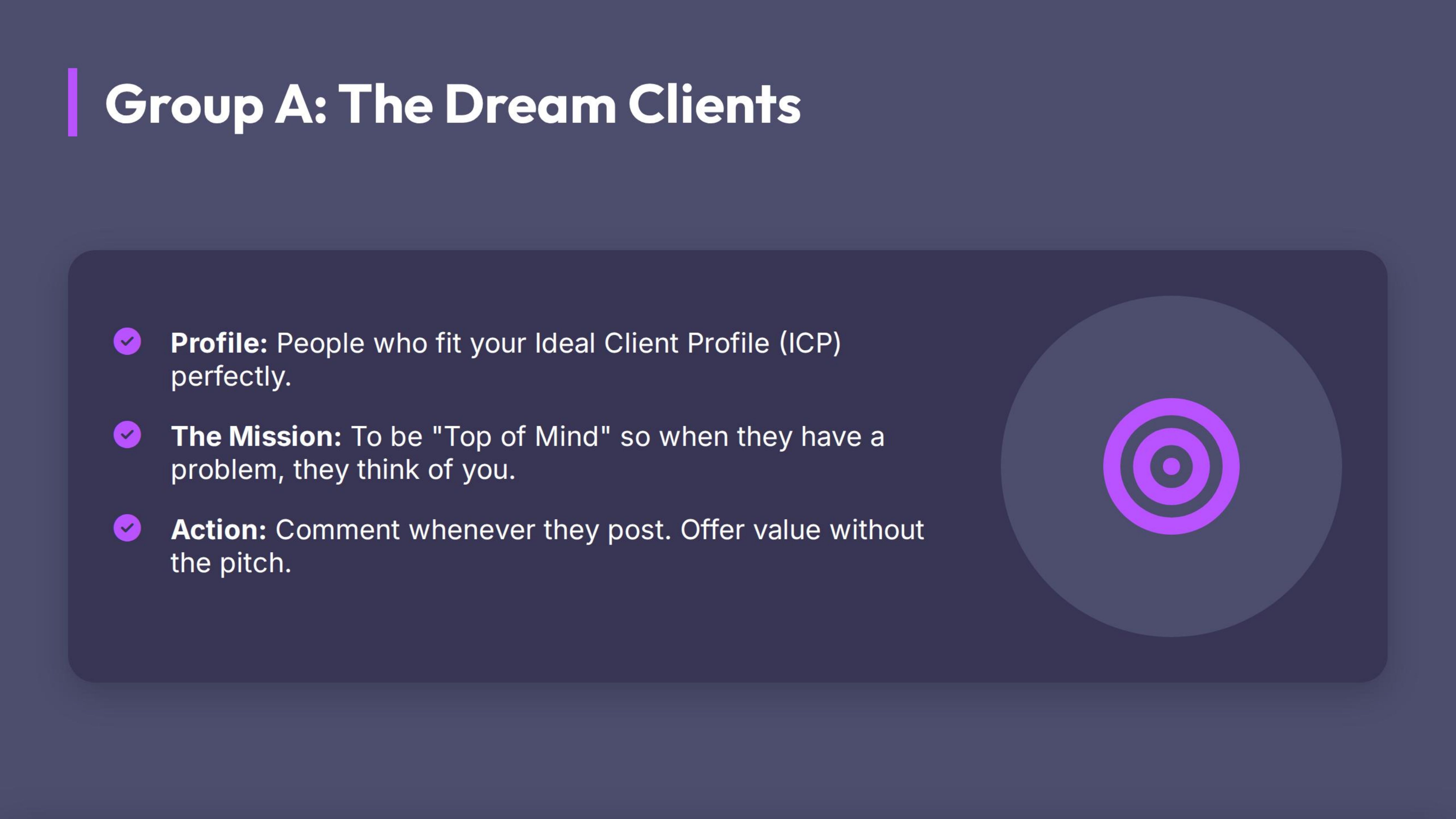
Group A: The Dream Clients (Prospects)
People who fit your ICP (Ideal Client Profile) perfectly.
- Goal: To be "Top of Mind." When they post, you comment. When they have a problem, they think of you.
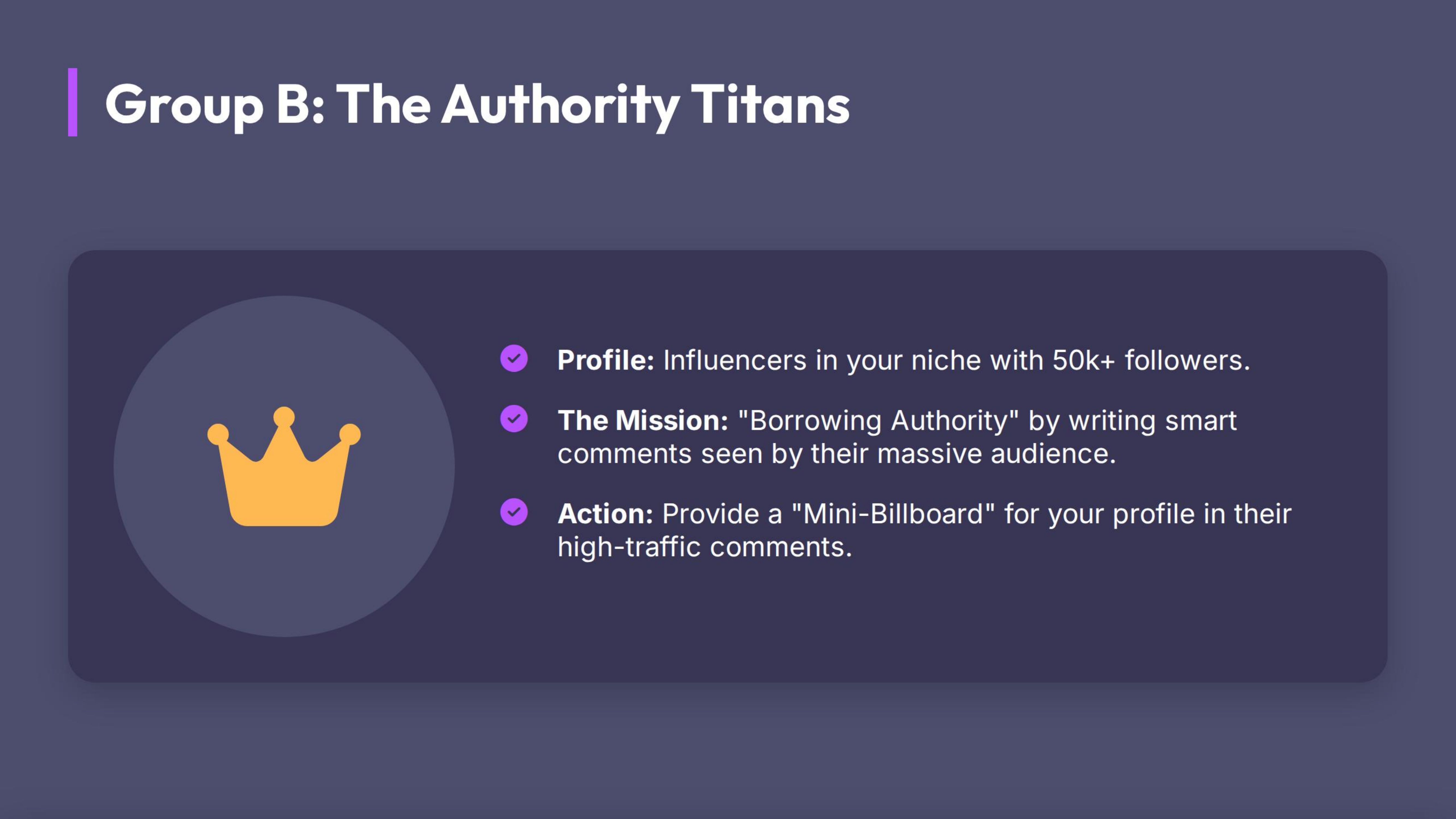
Group B: The Authority Titans (Big Creators)
Influencers in your niche with 50k+ followers.
- Goal: Borrowing Authority. When you write a smart comment on their post, their 50k followers see your headline. It is free advertising.
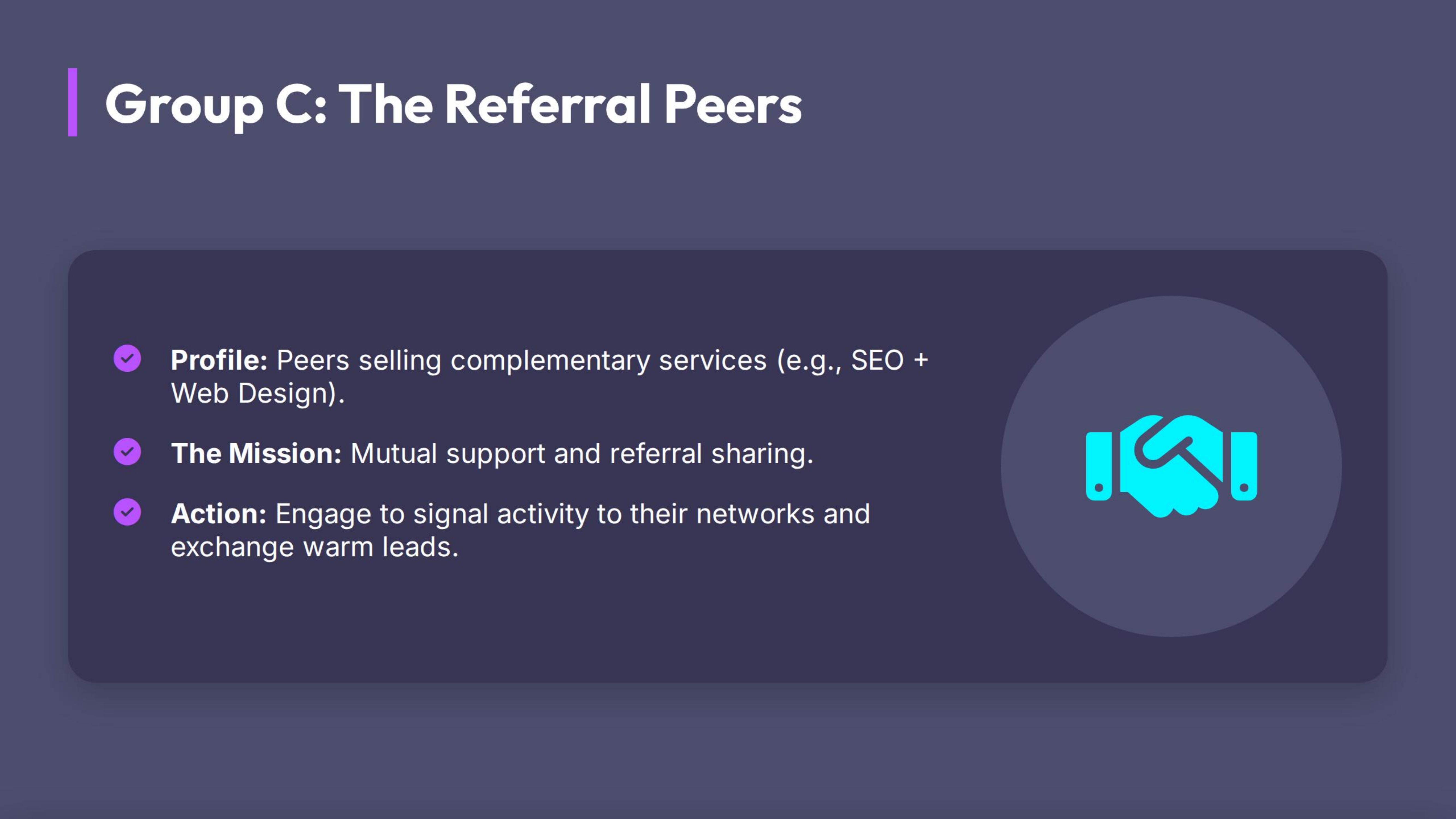
Group C: The Peers (Referral Partners)
People at your level who sell complementary services (e.g., if you do SEO, partner with a Web Designer).
- Goal: Support each other and share leads.
The CreatorHub Advantage: The "Zero-Scroll Feed"
CreatorHub allows you to physically remove the distraction of the main feed.
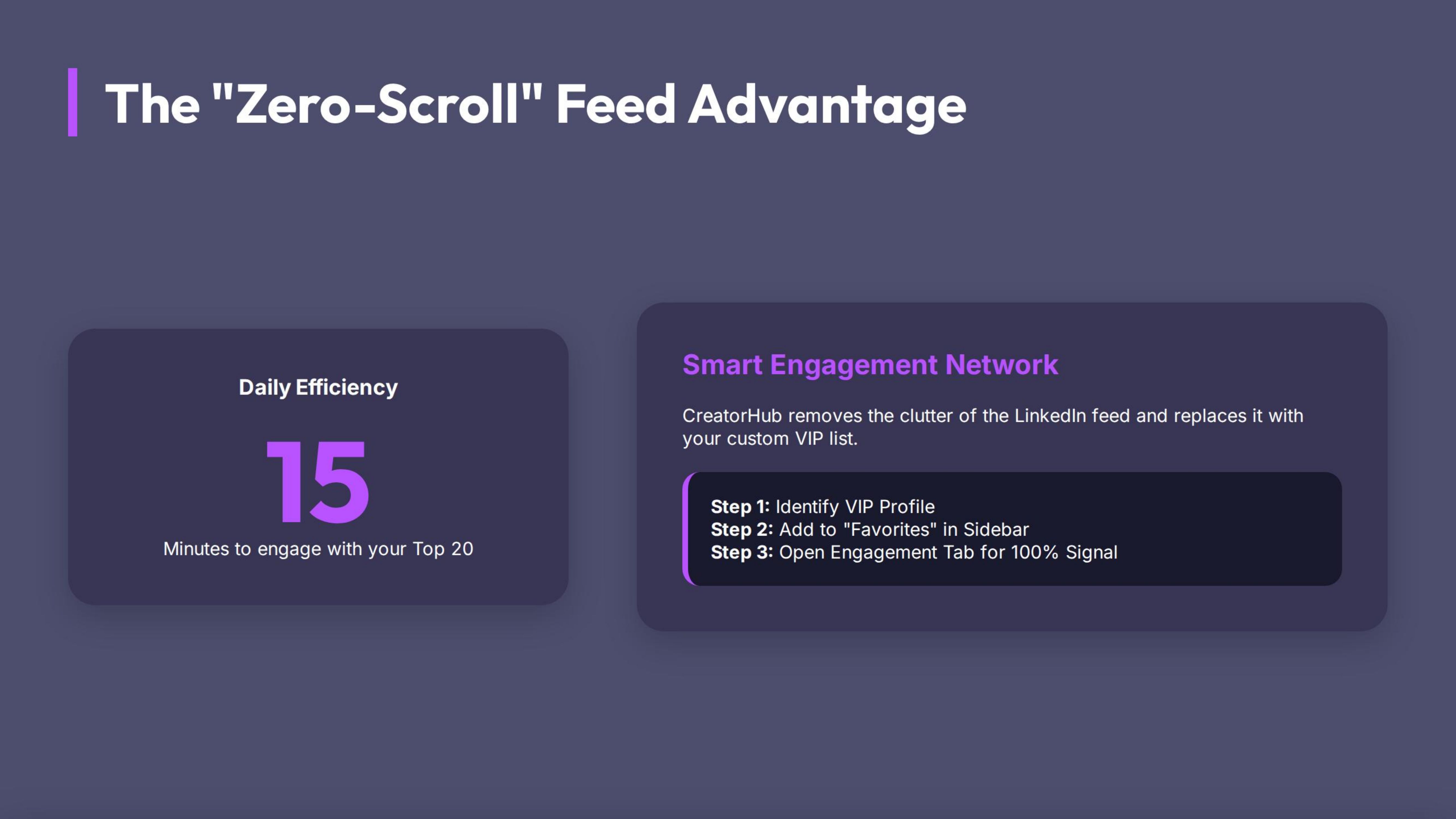
Feature: Smart Engagement Network
This tool replaces the LinkedIn feed with your custom VIP list.
The Workflow:
- Identify: Go to the profile of a VIP (e.g., a Prospect).
- Add: Click the "Add to Favorites" (or VIP) button in the CreatorHub sidebar.
- Engage: Now, when you open the CreatorHub "Engagement" tab, you see ONLY the recent posts from your list. No ads. No noise.
- The Result: You can comment on 20 high-value posts in 15 minutes.
[IMAGE: Screenshot of the CreatorHub interface showing the 'Smart Engagement' view—a clean list of posts from 'Favorite People' with no ads or sidebars.]
Examples: The Difference in ROI
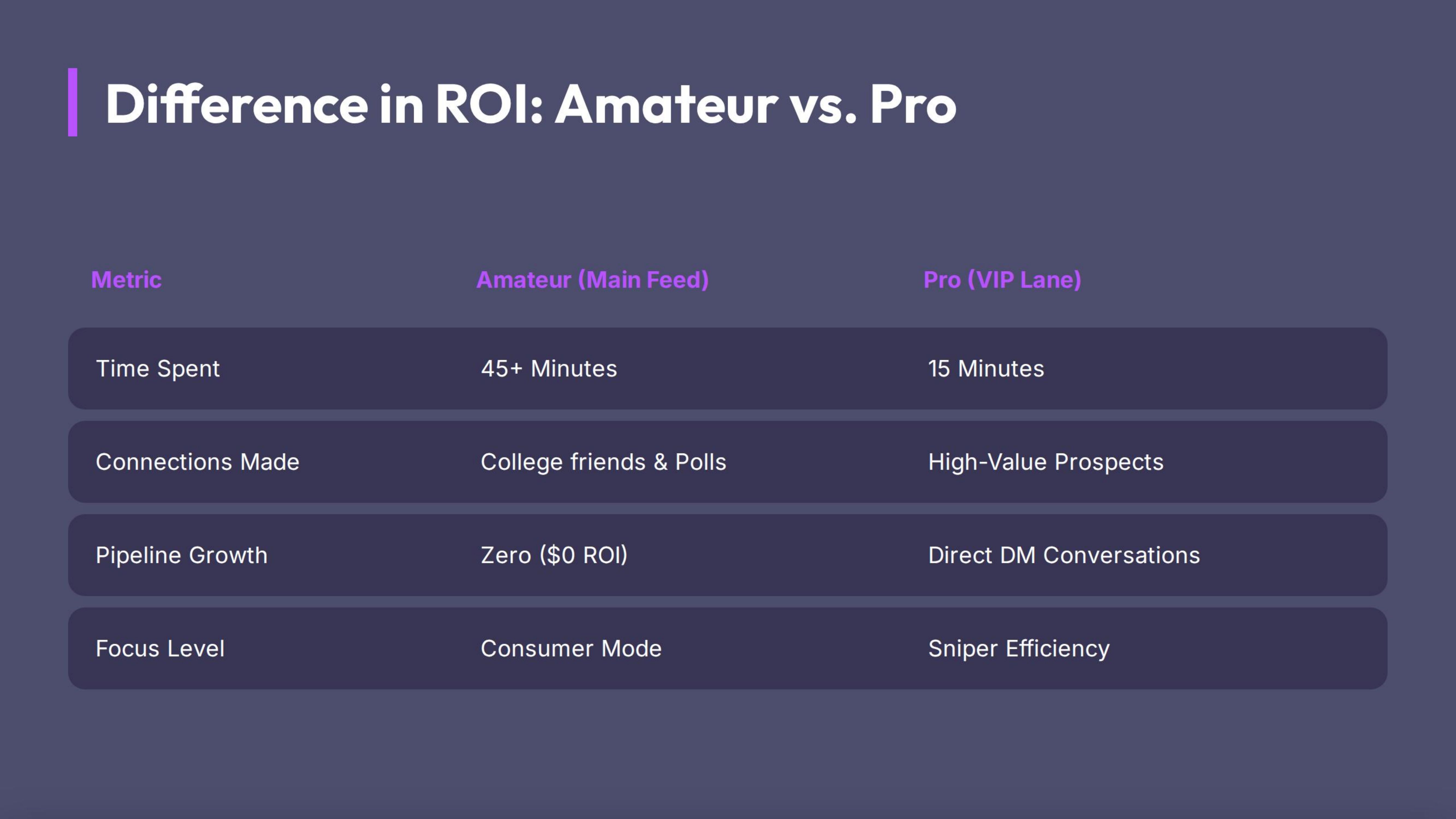
Scenario: You have 15 minutes to spare.
❌ The Amateur (Main Feed):
- Scrolls past a political rant.
- Likes a post from an old college friend.
- Reads a generic "Motivational Monday" quote.
- Result: $0 ROI.
✅ The Pro (VIP Lane):
- Opens CreatorHub.
- Sees the VP of Marketing at Target Company just posted about a hiring struggle 4 minutes ago.
- Comments: *"This is a common bottleneck. Have you tried [Strategy X]? It usually fixes the pipeline issue."*
- Result: The VP replies. A DM conversation starts. Pipeline created.
Actionable Steps (Homework)
The "Top 20" Draft
Open a spreadsheet or notepad. List: 10 Prospects you want to close this quarter. 5 Big Creators in your industry. 5 Peers you want to build a relationship with.
Build the Lane
Go to their profiles and add them to your CreatorHub Smart Engagement list.
The "Unfollow" Purge (Optional but recommended)
If you are brave, go to your main feed, click the three dots on irrelevant posts, and select "Unfollow" (You stay connected, but stop seeing their posts). Clean your house.