Key Takeaways
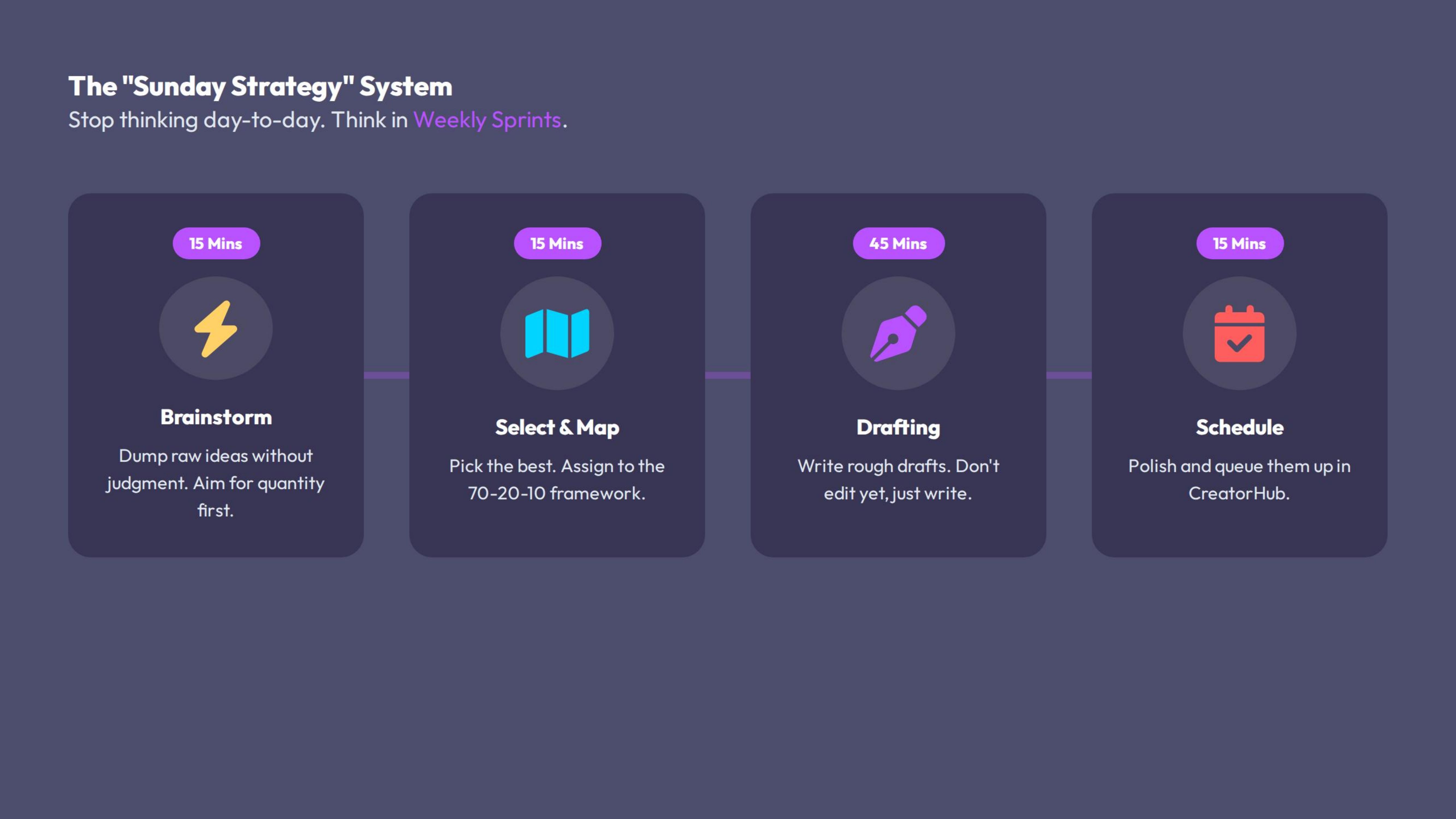
The "Sunday Strategy" System
Amateurs write posts one by one. Pros build **Campaigns**.
Instead of thinking day-to-day, we think in **Weekly Sprints**.
The Workflow:
- Brainstorm (15 mins): Dump raw ideas without judging them.
- Select & Map (15 mins): Pick the best ideas and assign them to the 70-20-10 framework (Lesson 2.2).
- Drafting (45 mins): Write the rough drafts.
- Editing & Scheduling (15 mins): Polish and queue them up.
By doing this once a week (e.g., Sunday evening or Monday morning), you free up your mental energy for engagement and sales during the week.
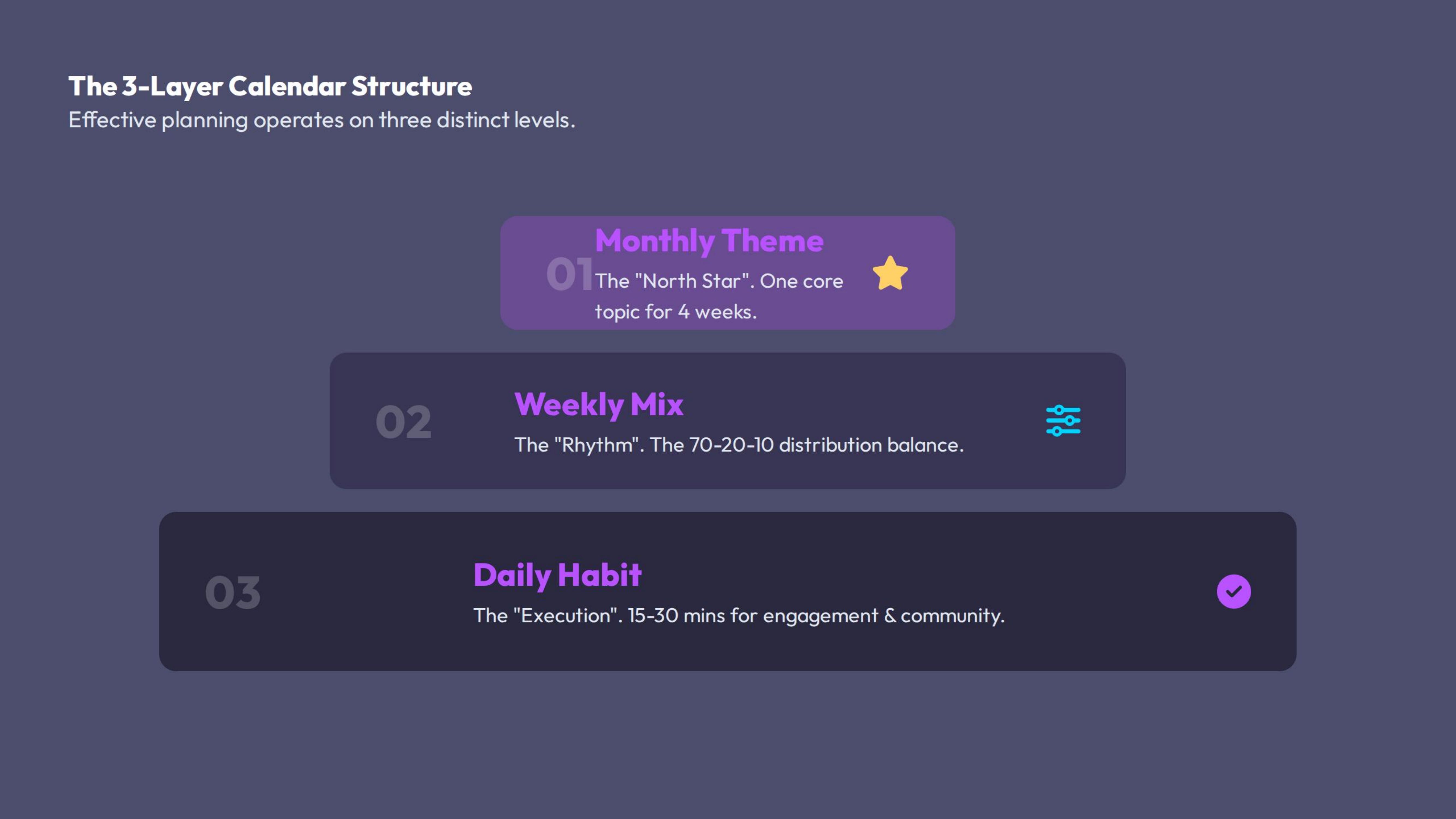
The 3-Layer Calendar Structure
Your calendar needs to operate on three levels to be effective:
1. The Monthly "Theme" (The North Star)
Pick ONE core topic or offer to focus on for the month. This keeps your messaging tight.
- Example: "This month is all about SaaS Churn Reduction."
- Why: When you go deep on one topic for 4 weeks, you become the authority on it.
2. The Weekly Mix (The Rhythm)
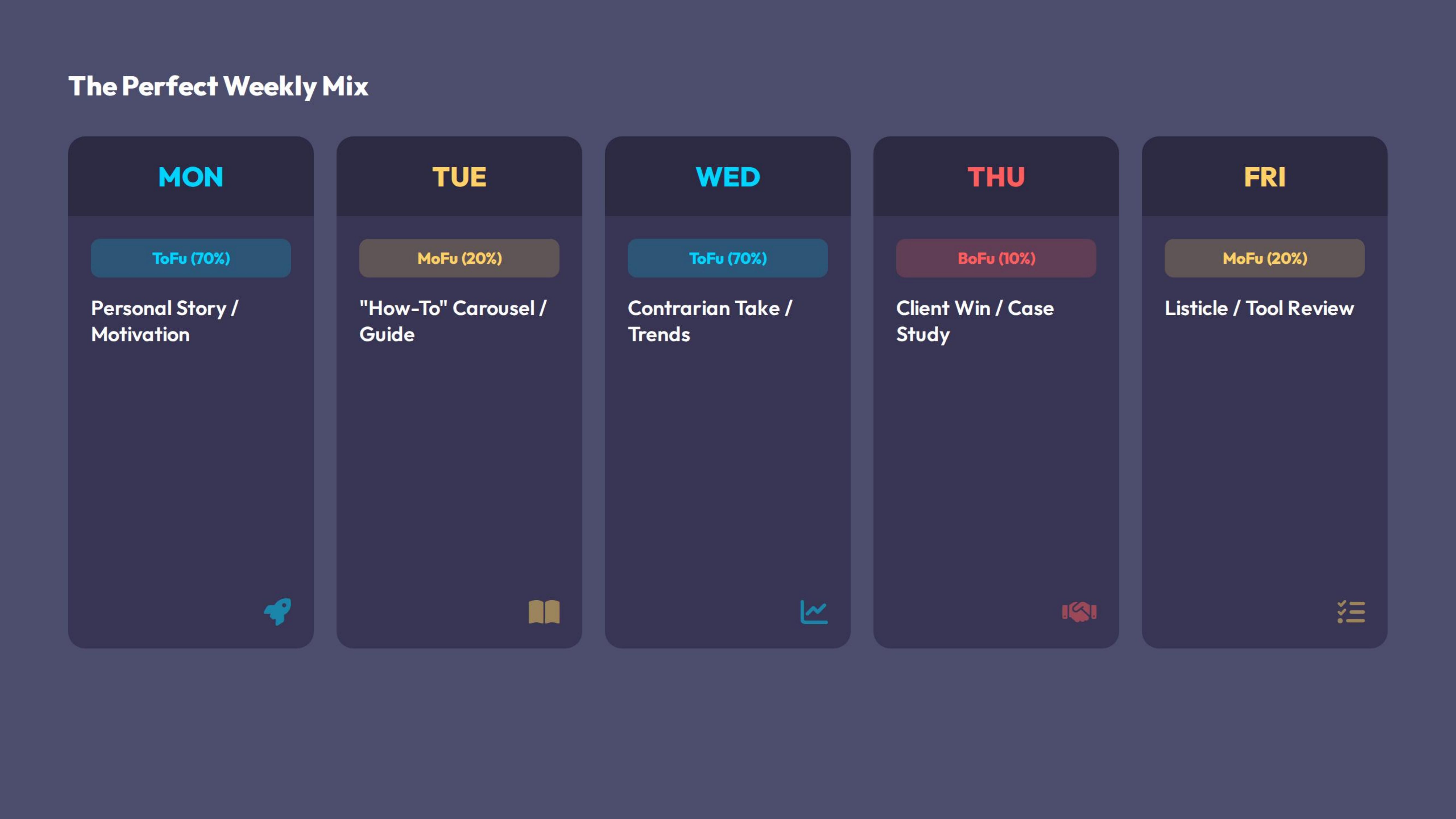
This is where we apply the 70-20-10 Rule. A typical high-performing week looks like this:
| Day | Funnel Stage | Content Type | Goal |
|---|---|---|---|
| Mon | ToFu (70%) | Personal Story / Motivation | High Reach (Start the week strong) |
| Tue | MoFu (20%) | "How-To" Carousel / Text | Authority & Saves |
| Wed | ToFu (70%) | Contrarian Take / Industry Trend | Engagement / Debate |
| Thu | BoFu (10%) | Client Win / Case Study | Sales / Leads |
| Fri | MoFu (20%) | Listicle / Tool Review | Value / Reposts |
| Sat/Sun | Optional | Personal / Lifestyle | Human Connection |
3. The Daily Habit (The Execution)
This is the 15-30 minute block where you check comments, engage with others, and reply to DMs. You are not writing posts in this time; you are managing the community.
The CreatorHub Advantage: The Campaign Agent
Stop using spreadsheets. The Campaign Agent is your personal strategist.
1. The Auto-Calendar Generator:
- Action: Go to the Campaign Agent tab.
- Input: Set your Monthly Theme (e.g., "AI Marketing") and your Goal (e.g., "Authority").
- Magic: The AI will populate a calendar with specific post ideas tailored to that goal, ensuring you don't miss the 70-20-10 balance.
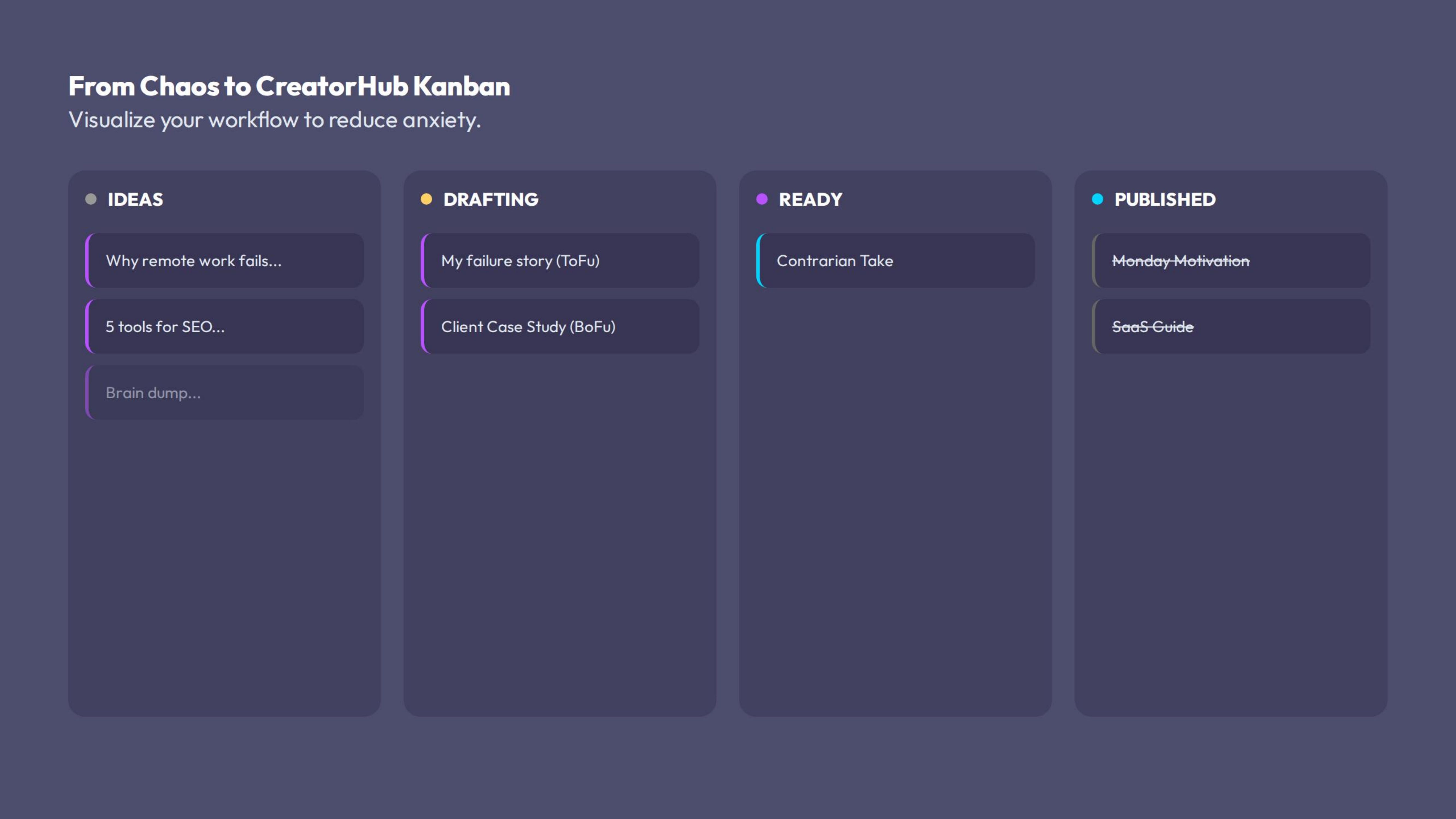
2. The Kanban Planner:
Visualizing your workflow reduces anxiety.
- Columns: `Ideas` `Drafting` `Ready to Schedule` `Published`.
- Action: Drag and drop cards. Seeing a full "Ready to Schedule" column gives you peace of mind.
3. Success Prediction:
- Feature: Before you commit to a topic, the AI analyzes past performance to predict: *"High probability of engagement"* or *"Low probability."* This helps you kill bad ideas before you write them.
Examples: A "Theme" in Action
Theme: "Remote Leadership"
- Mon (ToFu): "Why I fired my best employee (They refused to turn on their camera)." [Controversial Hook]
- Tue (MoFu): "5 Tools to manage a remote team without micromanaging." [Carousel]
- Thu (BoFu): "We just helped Company X save 20 hours/week with our Remote OS. DM me 'REMOTE' for the case study." [Direct Offer]
Actionable Steps (Homework)
Pick Your Theme
Decide what you want to be known for next month. Write it down.
The "Brain Dump"
Open the CreatorHub Kanban Planner (or a notepad). Set a timer for 10 minutes. Write down 10 headlines related to your theme. Do not critique them yet.
Assign the Slots
Drag your 5 best headlines into the Monday-Friday slots on the calendar. Ensure you have at least one BoFu (Sales) post on Thursday.
Schedule Time
Block out 1 hour on your actual Google/Outlook calendar for "Content Creation" this Sunday.